Yes, all four major UK mobile networks (EE, O2, Three and Vodafone) provide coverage throughout Heathrow's terminals, the same as anywhere else in built-up west London, and Heathrow also runs free Wi-Fi in every terminal as a reliable fallback if your signal ever feels weak. Reception is generally solid in check-in halls, departure lounges and most gate areas. Where travellers most often report problems is at specific gate stands and lower-level or enclosed areas, where full signal bars can still come with slow data because of how many phones are competing for the same local capacity, not because the signal itself is absent. Checked against Heathrow's own Wi-Fi page and traveller reports, 22 November 2026.
Quick answer: signal vs Wi-Fi
| Mobile signal (EE/O2/Three/Vodafone) | Heathrow free Wi-Fi | |
|---|---|---|
| Coverage | All terminals, standard UK network coverage | All terminals |
| Cost | Your normal plan or roaming charges | Free |
| Reliability | Generally good; can be congested near busy gates | Consistent, but shared with everyone nearby |
| Best for | Calls, texts, data when not crowded | Backup when signal feels slow, or to save data/roaming charges |
If you only need to check in, track your flight or message someone, connecting to Heathrow's free Wi-Fi is the simplest way to sidestep any local mobile congestion rather than troubleshooting your network signal.
Why your bars can look full but data feels slow
A phone showing full signal strength measures how strong the local mast signal is, not how much capacity is free for you to actually use. Heathrow's terminals and gate areas get extremely dense with phones at peak times, especially right after a flight lands and everyone on board tries to connect at once. Travellers have reported, particularly around specific gate stands, that calls or data barely work despite a full-bars display, then improve once the aircraft or crowd moves away from that spot. This is a capacity and congestion effect, not a coverage gap, and it's common at any busy transport hub, not unique to Heathrow.
Where signal tends to be weaker
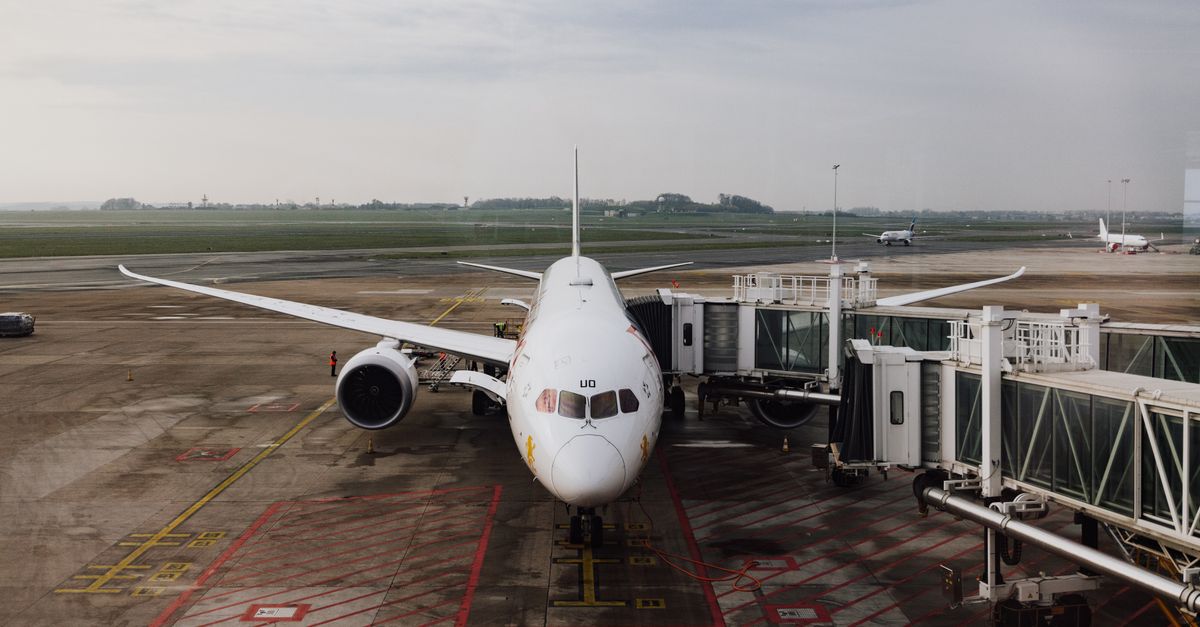
- Aircraft stands and air bridges right at the gate: the metal structure of the jet bridge and the aircraft itself can attenuate signal more than the open terminal floor.
- Lower-ground and basement-level areas, such as some baggage reclaim halls and underground connections between terminals, where thicker structure sits between you and the nearest mast.
- The Heathrow Express and Piccadilly line tunnels into and out of the airport, where you're relying on in-tunnel coverage rather than the terminal's own signal.
None of this means you'll have no signal at all in these spots, only that it's the first place to expect it to dip if you're going to notice a drop anywhere at Heathrow.
If you're an international visitor
Your UK coverage will depend on your home network's roaming agreement with EE, O2, Three or Vodafone, not on Heathrow itself. If you want a local SIM or eSIM instead of relying on roaming, see our SIM card or eSIM at Heathrow guide for where to buy one in the terminal, or our roaming charges guide if you're flying onward and want to check costs before you leave the UK.
Using Heathrow's free Wi-Fi instead
Heathrow operates free Wi-Fi across all terminals, certified by Friendly WiFi with content filtering, and it's quick to join: select "Heathrow Wi-Fi" on your device, follow the on-screen prompts, and register to start browsing. It's a sensible default any time your mobile data feels slow, since it doesn't depend on your network's local capacity at all. See our full Heathrow Wi-Fi guide for the exact connection steps and what to do if it won't load.
A practical fix: Wi-Fi calling
If your phone and network support Wi-Fi calling (most recent iPhones and Android phones do, with EE, O2, Three and Vodafone all offering it), turning it on before you reach the airport lets your phone route calls and texts over Heathrow's free Wi-Fi automatically when mobile signal feels weak, without you having to do anything extra at the gate. Check the setting under your phone's mobile or cellular menu, usually labelled "Wi-Fi Calling," and make sure you're connected to Heathrow's Wi-Fi network for it to kick in.